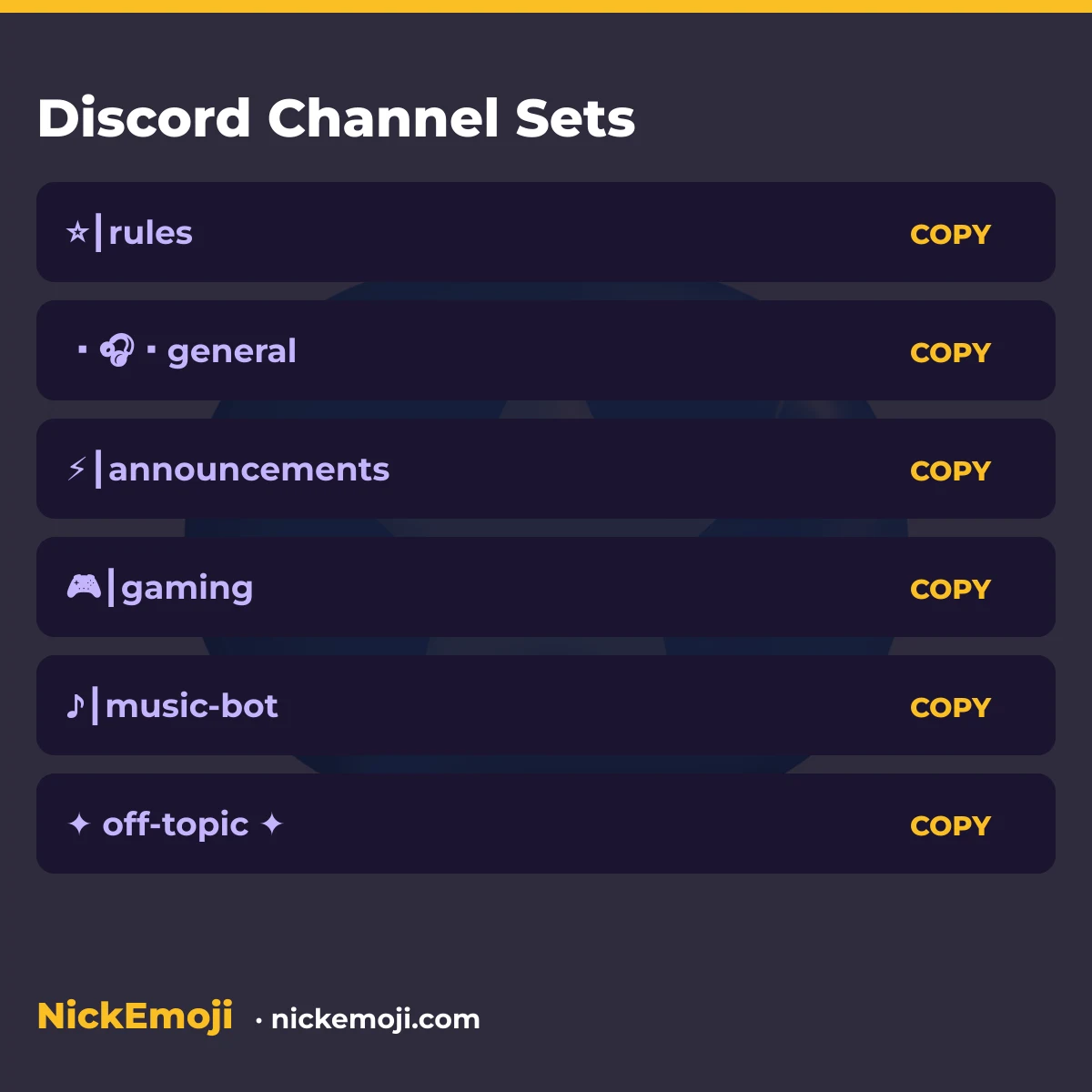
A Discord channel name emoji set is a ready-made label like 📜┃rules or ・💬・general that a server admin pastes straight into a channel’s name field. Discord renders most emoji and the ┃ and ・ separator characters in channel names, so a set below usually pastes in as typed.
This is about the channel name an admin sets for a text or voice channel, not your personal display name or server nickname — those use plain emoji sets on other NickEmoji pages. Channel names are server-wide: everyone in the server sees the same label.
Classic Unicode symbols like ┃ ・ ★ sit in the Basic Multilingual Plane and count as 1 UTF-16 unit each; most color emoji need a surrogate pair, 2 UTF-16 units. The badge under every set below shows both counts — characters, then UTF-16 units. Below you’ll find 9 groups across four kinds: channel-name sets, separator-only prefixes, kaomoji, emoji-only strings.
Every set below is plain Unicode (emoji and symbol blocks), checked against unicode.org’s published charts in October 2026 — see our about page and editorial policy for how we build and check these pages.
Where a Discord channel name actually shows up
| Where | Takes emoji? | Length limit | Checked |
|---|---|---|---|
| Text channel name | Yes | 100 characters | Oct 2026 |
| Voice channel name | Yes | 100 characters | Oct 2026 |
| Channel topic | Yes | 1024 characters | Oct 2026 |
| Your server nickname (not the channel) | Yes | 32 characters | Oct 2026 |
Rules & info channels
Pin these at the top of a server so new members find them first.
General chat channels
The default hangout channel most servers lead with.
Announcement channels
For one-way posts from mods and admins.
Voice & gaming channels
Prefixes that match a voice channel or an LFG text channel.
Media & bot channels
For posted clips, art, memes, and bot-only command channels.
Off-topic & fun channels
Secondary channels that keep the main chat focused.
Symbol-only separators (paste your own name inside)
Swap «channel-name» for your own text; the separator is the part that copies cleanly.
Kaomoji for a channel topic line
Drop-in kaomoji for a channel topic or pinned message, not the name itself.
Emoji-only strings for a topic line
Short emoji pairs for a channel topic field.
More name-emoji pages
See name with emojis, or WhatsApp name emojis and X (Twitter) name emojis for sets built for other apps.
Submit your name
Got a Discord channel name that got rejected, renamed itself, or that you want added above? Leave a comment with what happened — we check it and either fix the page or add your set with a date. No sign-up required.
Questions people ask
Can channel names in Discord use emoji?
Yes. Discord renders most standard emoji and many symbol characters in channel names; the server simply displays whatever Unicode text you type, including the ┃ and ・ separators used throughout this page.
Why did my channel name change after I pasted it?
Discord may lowercase part of a name or adjust spacing depending on the client version and channel type. If a set above behaves differently for you, that’s useful to report — see Submit your name.
Is a channel name the same as my Discord username?
No. A channel name is set by a server admin and shown to everyone in that server; your username and display name are personal and follow different rules.
Checked against Unicode’s published emoji and symbol charts, October 2026 · NickEmoji editorial team
Was this article helpful?
One tap tells us what to improve.
Thanks for your feedback!