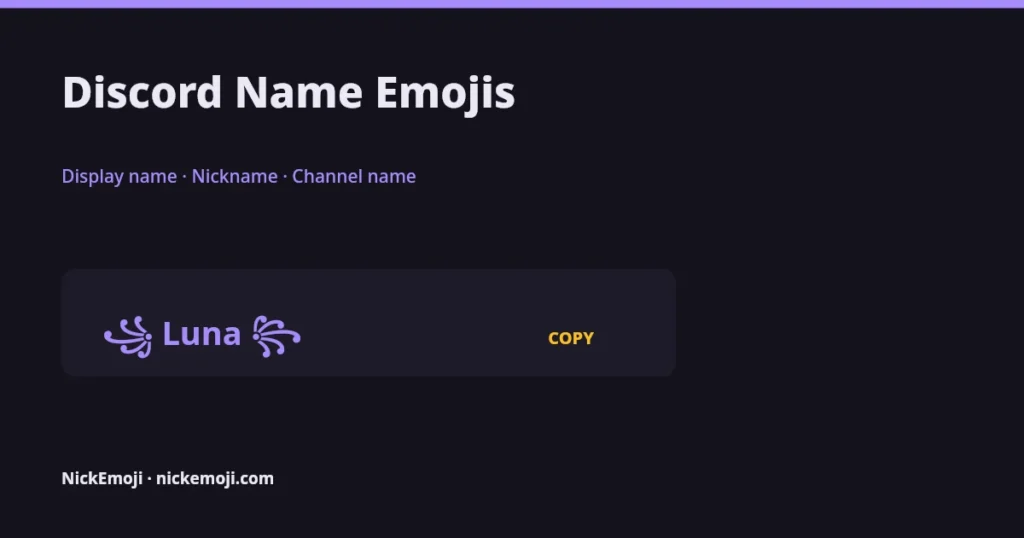
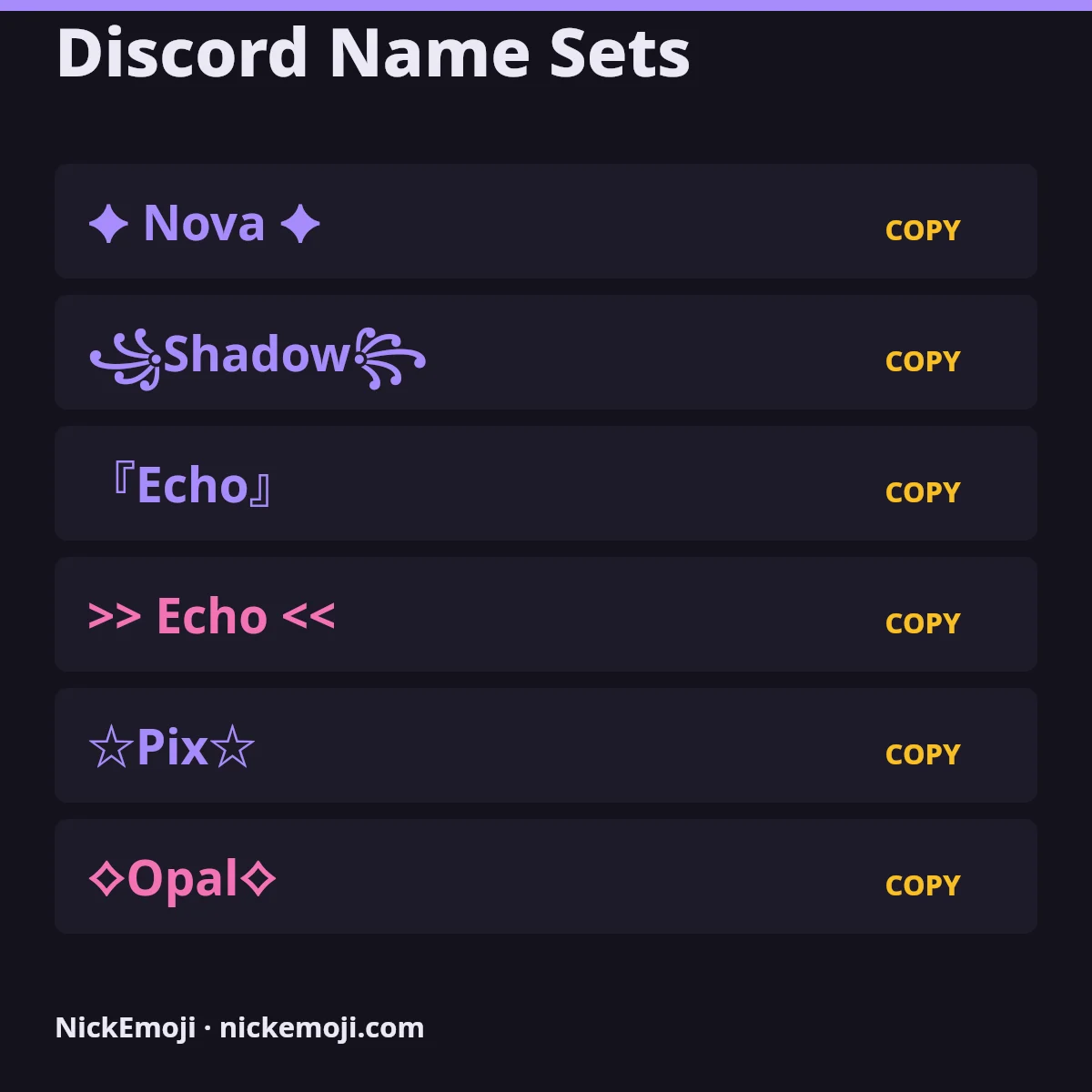
A Discord name emoji set is a display name, server nickname or channel name decorated with emoji, like 🌙 Luna 🌙 or ✨-general-chat. Discord has three separate name fields that behave differently, and all the sets below are plain Unicode, so they paste in without needing Discord’s separate custom server-emoji feature.
Discord actually has three name fields people mix up: your display name (global, shown everywhere, 1–32 characters, takes emoji freely), a server nickname (overrides your display name inside one server only, same rules), and a channel name (set by a server admin, much stricter — Discord auto-lowercases letters and mostly keeps to hyphens and underscores, though single standalone emoji often work). None of this is Discord’s custom server emoji (the colon-code kind you upload per server) — that’s a completely different feature used only inside messages and reactions, never in a name field.
Classic Unicode symbols like ꧁ ☬ ♡ ★ sit in the Basic Multilingual Plane and count as 1 UTF-16 unit each; most color emoji need a surrogate pair, 2 UTF-16 units. The badge under every set below shows both counts, because Discord’s own character counter counts in units, not visible characters.
Every set below is plain Unicode (emoji and symbol blocks), checked against unicode.org’s published charts in October 2026 — see our about page and editorial policy for how we build and check these pages.
Where a Discord name emoji actually shows up
| Where | Takes emoji? | Length limit | Checked |
|---|---|---|---|
| Display name (global) | Yes | 32 characters | Oct 2026 |
| Server nickname | Yes | 32 characters | Oct 2026 |
| Channel name | Single emoji usually; multi-part (ZWJ) emoji often break apart | 100 characters | Oct 2026 |
| Username (the @handle) | No — lowercase letters, numbers, underscores and periods only | 32 characters | Oct 2026 |
Short & clean
Symbol frames
Matching pairs
Mood & vibe combos
Plain-text safe
Kawaii & soft
Adding emojis to a Discord channel name
Channel names are set by a server admin or anyone with the Manage Channels permission (right-click the channel → Edit Channel). Discord force-lowercases letters and swaps spaces for hyphens automatically, so a channel name usually ends up looking like 🎮-gaming-lounge rather than keeping capitals or spaces. A single standalone emoji at the start or end generally displays fine; emoji built from several joined parts (like a hand-gesture emoji with a skin-tone modifier) can split into separate pieces or vanish, because the joining character isn’t accepted in channel names. If a channel emoji looks broken, try a simpler single-codepoint emoji from the “Short & clean” group above instead.
Frequently asked questions
Can I use Discord’s custom server emoji in my name?
No — custom server emoji (uploaded per server, used with a colon-code like :serverlogo:) only work inside messages and reactions, never in a display name, nickname or channel name. Name fields only accept standard Unicode emoji and symbols, which is what every set on this page uses.
What’s the difference between my display name and a server nickname?
Your display name is global and shows in every server and DM unless overridden; a server nickname only applies inside that one server and takes priority over your display name there. Both accept the same kinds of Unicode emoji and symbols.
Why won’t my channel name emoji save correctly?
Discord auto-lowercases channel names and mostly keeps hyphens/underscores; multi-part emoji (ones built from a base character plus a joining character) often split apart in channel names even though they work fine in a display name. Try a simple, single-codepoint emoji instead.
Will my emoji name show as a box for other people?
Their device’s font doesn’t include that character yet. Classic symbols (꧁ ☬ ♡) render almost everywhere; newer color emoji can lag on older Android/iOS versions.
Submit your name
Have a Discord name set that belongs here? Leave a comment below with the set and where you use it. The NickEmoji editorial team reviews every submission; approved sets join the list with the date they were added.
Checked against Unicode’s published emoji and symbol charts, October 2026 · NickEmoji editorial team
Was this article helpful?
One tap tells us what to improve.
Thanks for your feedback!