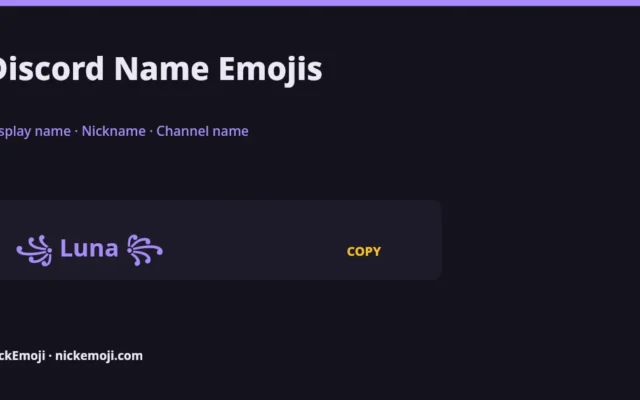
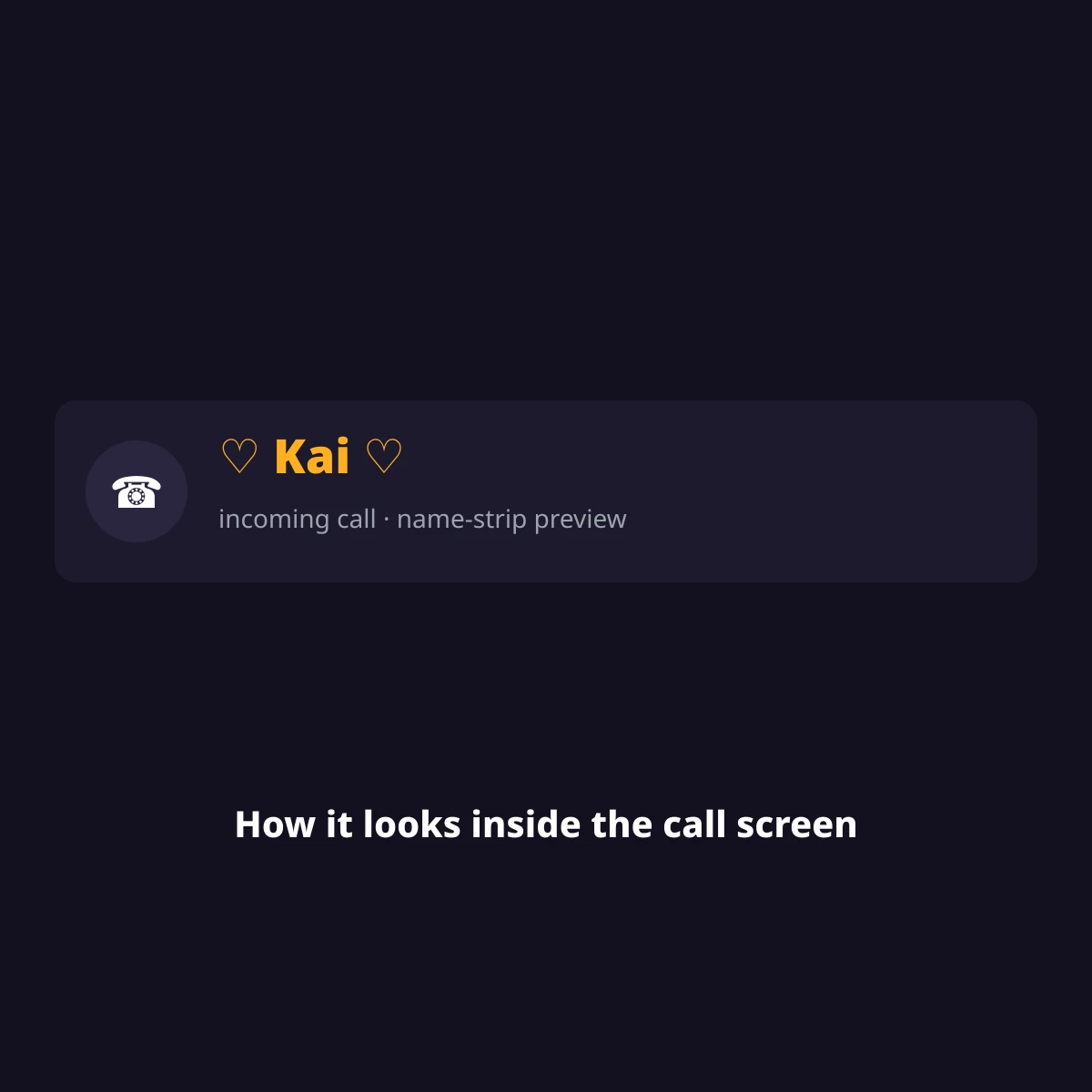
A Discord name emoji set decorates your global display name, a per-server nickname or a channel name with emoji and symbols, like 🤍 Mia 🤍 or 💬 general. Discord’s display name and nickname fields accept emoji freely; the @username does not — mixing these three up is the most common mistake people make when searching for a “Discord username” fix.
Discord actually has three separate name fields, and most “Discord username” questions are really about one of the other two: the @username (Settings → My Account) is globally unique and only takes lowercase letters, numbers, underscores and periods — no emoji. The display name (set in the same place) is what shows instead of your username almost everywhere, and accepts emoji and Unicode symbols freely. A server nickname (right-click your name in any server → Edit Server Profile) overrides your display name on just that one server, also emoji-friendly. Channel names are a fourth, separate field set by server admins, auto-lowercased with hyphens, but still happy to carry a leading emoji.
Classic Unicode symbols like ✦ ☆ ✿ sit in the Basic Multilingual Plane and count as 1 UTF-16 unit each; most color emoji need a surrogate pair, 2 UTF-16 units. The badge under every set below shows both counts — characters, then UTF-16 units — because Discord’s 32-character display-name limit is counted in UTF-16 units, not visible characters, so a heavily-emoji name hits the cap faster than it looks. Below you will find 102 original sets across 8 groups for your display name, server nickname or bio. Decorating a channel name instead? See our dedicated Discord channel name emojis page — channel names use a different convention (┃ and ・ separators) and a separate set of admin-only rules.
We have not run a dated, per-device paste test on these sets yet (no account set up for that on this VPS), so we do not claim a works/box/rejected verdict per platform. Every set is plain Unicode or standard emoji, checked against unicode.org’s published charts — see our about page and editorial policy for how we build and check these pages. Tell us in the comments if one gets rejected or boxed on your device and we will add a dated note.
Where a Discord name emoji actually shows up
| Field | Takes emoji? | Length limit | Scope |
|---|---|---|---|
| Display name | Yes | 32 characters (UTF-16 units) | Shows everywhere, all servers |
| Server nickname | Yes | 32 characters (UTF-16 units) | One server only, overrides display name there |
| @username | No — lowercase letters, numbers, underscore, period only | 32 characters | Global, must be unique |
| Channel name | Yes (leading emoji is common) | 100 characters, auto-lowercased with hyphens | Set by server admins/mods |
Aesthetic
Soft, minimal symbols that read as calm rather than loud — common for a main Discord display name.
Gamer & cool
Bolder marks for a server where you want to look sharp, not soft.
Cute
Playful emoji wraps for a lighter, friendlier display name.
Pastel & soft
Lighter dotted marks, a step quieter than the aesthetic group above.
Symbol-only frames (paste your name inside)
No sample name baked in — put your own name or nickname between the two marks.
Kaomoji for your status or bio
Japanese-style text faces that work in a Discord About Me or status.
Emoji-only strings
No letters at all — three emoji that read as a vibe on their own.
Dark & edgy
Heavier marks for a moody, low-key display name.
Royal & bold
A touch of ceremony for a main or showcase display name.
Display name vs server nickname vs @username
Your display name is what people see by default across every server and in DMs. A server nickname only overrides it inside one specific server — handy if you want a decorated name in a gaming server but a plain one at work. Your @username never shows an emoji and is only used for the “Add Friend” search and your profile URL; it is not what people see in chat.
Not affiliated with Discord
NickEmoji is an independent reference for Discord display name, nickname and bio decoration. Discord is a trademark of Discord Inc.; this page is not affiliated with, endorsed by, or connected to Discord. Emoji look slightly different on Apple, Google, Samsung and Discord’s own desktop app — that artwork belongs to each of those companies. This page does not look up or identify real Discord accounts; it is a library of copy-paste decoration for your own name.
More name-emoji pages
See tiktok name emojis for sets built for TikTok, or browse Name with emojis for every platform NickEmoji covers.
Submit your name
Have a Discord display-name or nickname emoji combo worth adding, or did one above get boxed on your device? Tell us in the comments with your device and app version — we verify it and either add it with a date or flag the device it fails on.
Questions people ask
How do I look up a Discord user by username or ID?
NickEmoji does not run a user-search or ID-lookup tool — we are a library of name decoration, not a Discord directory. Inside Discord itself, use the search bar’s “Find or start a conversation” box with the exact username, or right-click a message from the person and choose “Copy User ID” if you already share a server with them.
Can I put emoji in my Discord username?
No — the @username field only accepts lowercase letters, numbers, underscores and periods. Emoji go in your display name or server nickname instead, both set from the same Settings → My Account screen.
Why does my Discord name look shorter than 32 characters let me type?
Discord counts the 32-character display-name and nickname limit in UTF-16 units, and most emoji take 2 units each — the length badge under every set above shows both counts so you can tell how much room an emoji-heavy name actually uses.
Can a channel name use any emoji?
Standard Unicode emoji work in channel names; Discord’s own custom server emoji (the ones a server uploads) do not work in channel names — that is a separate feature from the name-decoration emoji covered on this page.
Checked against Unicode’s published emoji and symbol charts, October 2026 · NickEmoji editorial team
Was this article helpful?
One tap tells us what to improve.
Thanks for your feedback!