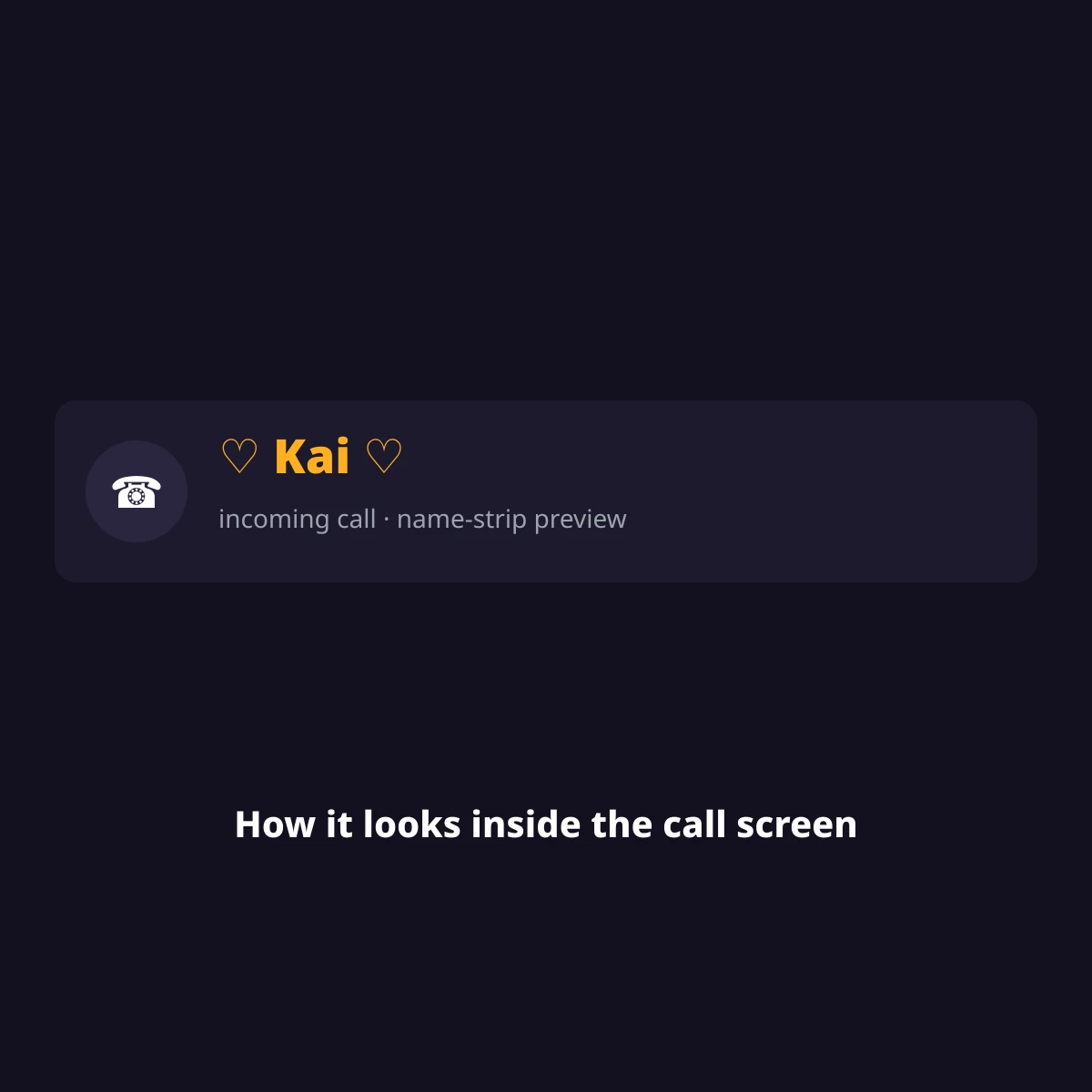
A boyfriend contact name with emojis is a saved phone-contact label decorated with emoji, like 🥰 Kai 🥰 or My Person 🫡, so his name stands out on your call screen and in texts. These are plain text plus emoji — no app, account or download needed.
These labels live in your phone’s own Contacts app, not inside any single social app, so once saved, the same decorated name follows him everywhere your phone shows a caller name — the call screen, text threads, and most messaging apps that read your address book.
Classic Unicode symbols like ✧ ♾️ ❤️⃝ sit in the Basic Multilingual Plane and count as 1 UTF-16 unit each; most color emoji need a surrogate pair, 2 UTF-16 units. The badge under every set below shows both counts — characters, then UTF-16 units — because some older name fields count length in units, not visible characters. There’s also a difference between your phone’s contact name (what you’re building here) and a public username on an app like Discord or Snapchat — a username is visible to everyone on that platform and often has its own character rules, while a contact name is private to your phone. Below you’ll find 9 groups across nickname sets, symbol frames and kaomoji.
Every set below is plain Unicode (emoji and symbol blocks), checked against unicode.org’s published charts in October 2026 — see our about page and editorial policy for how we build and check these pages.
Where a decorated contact name shows up
| Where | Takes emoji? | Length limit | Checked |
|---|---|---|---|
| iPhone Contacts (First/Last name) | Yes | no published hard cap | Oct 2026 |
| Android Contacts (Name field) | Yes | no published hard cap | Oct 2026 |
| Caller ID on incoming calls | Usually — a few older Android skins drop emoji here only | device-dependent | Oct 2026 |
| Discord / Steam display name (public) | Partial — Discord allows most emoji, Steam strips some symbol blocks | platform character cap applies, not this page’s sets | Oct 2026 |
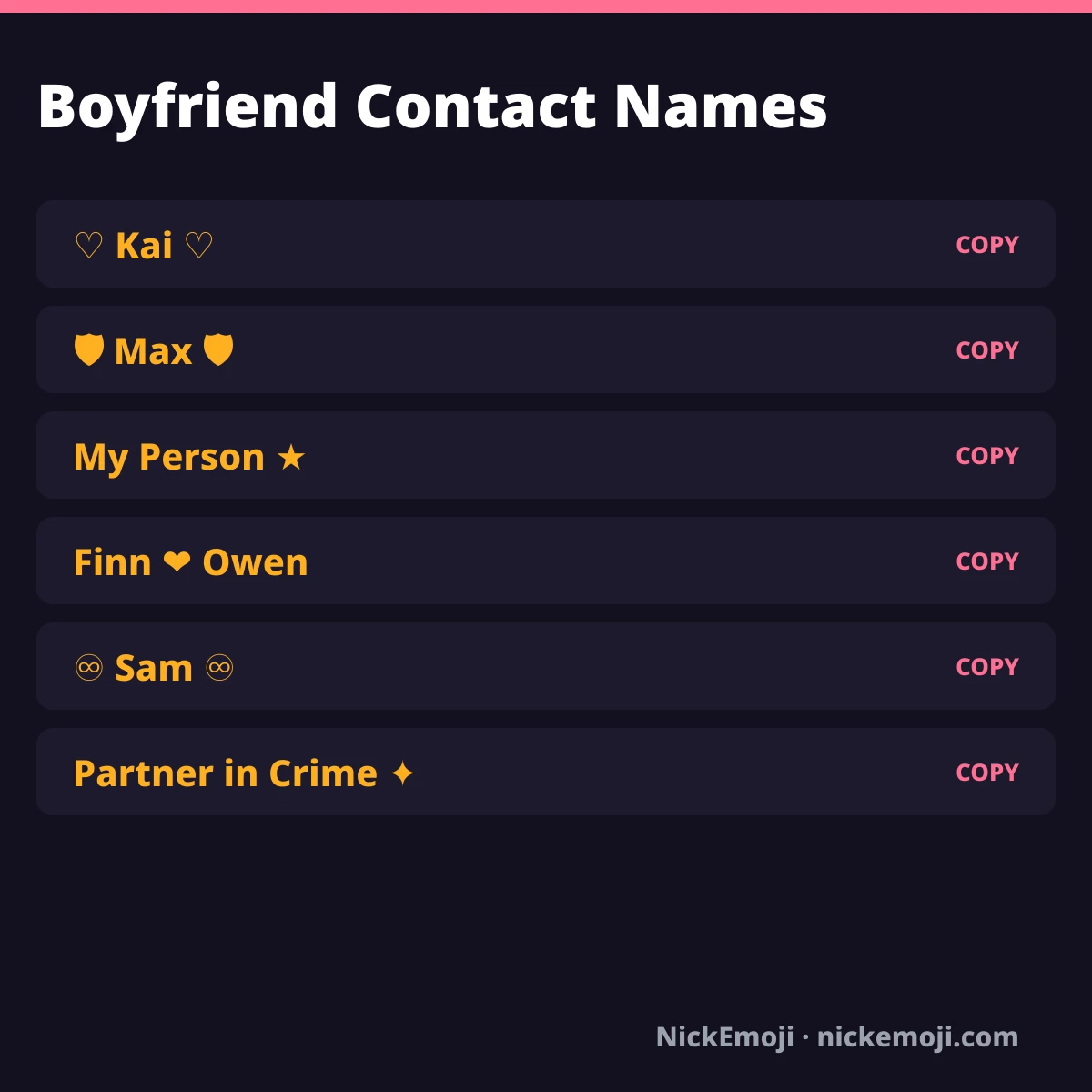
Romantic classics
🥰 + name, the simple go-to for a boyfriend’s contact card.
Tested on: Not tested yet (checked against Unicode’s published emoji charts, October 2026).
Protective / strong
Shield and strength emoji for a boyfriend who feels like your safe place.
Tested on: Not tested yet (checked against Unicode’s published emoji charts, October 2026).
Funny nicknames
Full nickname phrases instead of a name — pick one that matches your actual dynamic.
Tested on: Not tested yet on a named device; plain text displays on every current phone.
Matching pair (couple set)
Two names joined by a kiss mark, meant to be split — one half for his contact, one for yours.
Tested on: Not tested yet (checked against Unicode’s published emoji charts, October 2026).
Long-distance
For a boyfriend who isn’t in the same city right now.
Tested on: Not tested yet (checked against Unicode’s published emoji charts, October 2026).
Soulmate / forever
Infinity and bond symbols for a long-term or “this is it” relationship.
Tested on: Not tested yet (checked against Unicode’s published emoji charts, October 2026).
Gaming / Discord & Steam themed
For a boyfriend you mostly talk to through a headset or a Steam friends list.
Tested on: Not tested yet on Discord or Steam specifically; game controller and headset emoji are standard Unicode.
Symbol-only frames (paste a name inside)
Bracket pairs with no name baked in — paste his name between the symbols yourself.
Tested on: Not tested yet; these are Basic Multilingual Plane symbols, broadly supported on current phones.
Kaomoji for a boyfriend chat nickname
Text-based faces that work even where emoji rendering is inconsistent.
Tested on: Not tested yet; kaomoji are plain text characters, not emoji, so they render identically across devices with Japanese-capable fonts.
Not affiliated with your phone’s Contacts app
NickEmoji is an independent reference for decorating a saved phone contact’s name. Nothing here is affiliated with, endorsed by, or connected to Apple, Google, Discord, Valve (Steam), or any phone maker or app whose name field you use — we’re just publishing copy-and-paste text and emoji, which are public Unicode characters belonging to nobody. Emoji also render differently across Apple, Google and Samsung’s own emoji fonts, so a set that looks one way on your phone may look slightly different on his.
More name-emoji pages
See best friend contact name emojis and whatsapp name emojis for sets built for other relationships and apps, or go back to Name with emojis for the full library.
Submit your name
Have a nickname idea for your own boyfriend, or did one of these show up wrong on your phone? Comment below with your phone model — good submissions get added with a date, and anything that doesn’t display right gets pulled.
Questions people ask
Will these emoji show up on my caller ID / lock screen?
Most phones show the saved contact name, emoji included, on the call screen and lock-screen notification — a few older Android skins may hide emoji in the call UI specifically, though they still show in Contacts and texts.
Can I use one of these as my Discord or Snapchat username instead?
Not directly — these sets are built for a private phone contact name, which accepts almost any Unicode character. Discord and Snapchat usernames have their own, stricter character rules and are public, so check that platform’s own name-emoji page before using a set there.
What’s the difference between characters and UTF-16 units in the length badge?
Characters are what you’d count by eye. UTF-16 units matter because some phone fields and older apps store text in UTF-16 and count length that way — a single color emoji can count as 2 units even though it looks like one character, which is why both numbers are shown.
Checked against Unicode’s published emoji and symbol charts, October 2026 · NickEmoji editorial team
Was this article helpful?
One tap tells us what to improve.
Thanks for your feedback!